DivGrab · Element screenshots for Chrome
Grab it.
Style it.
Share it.
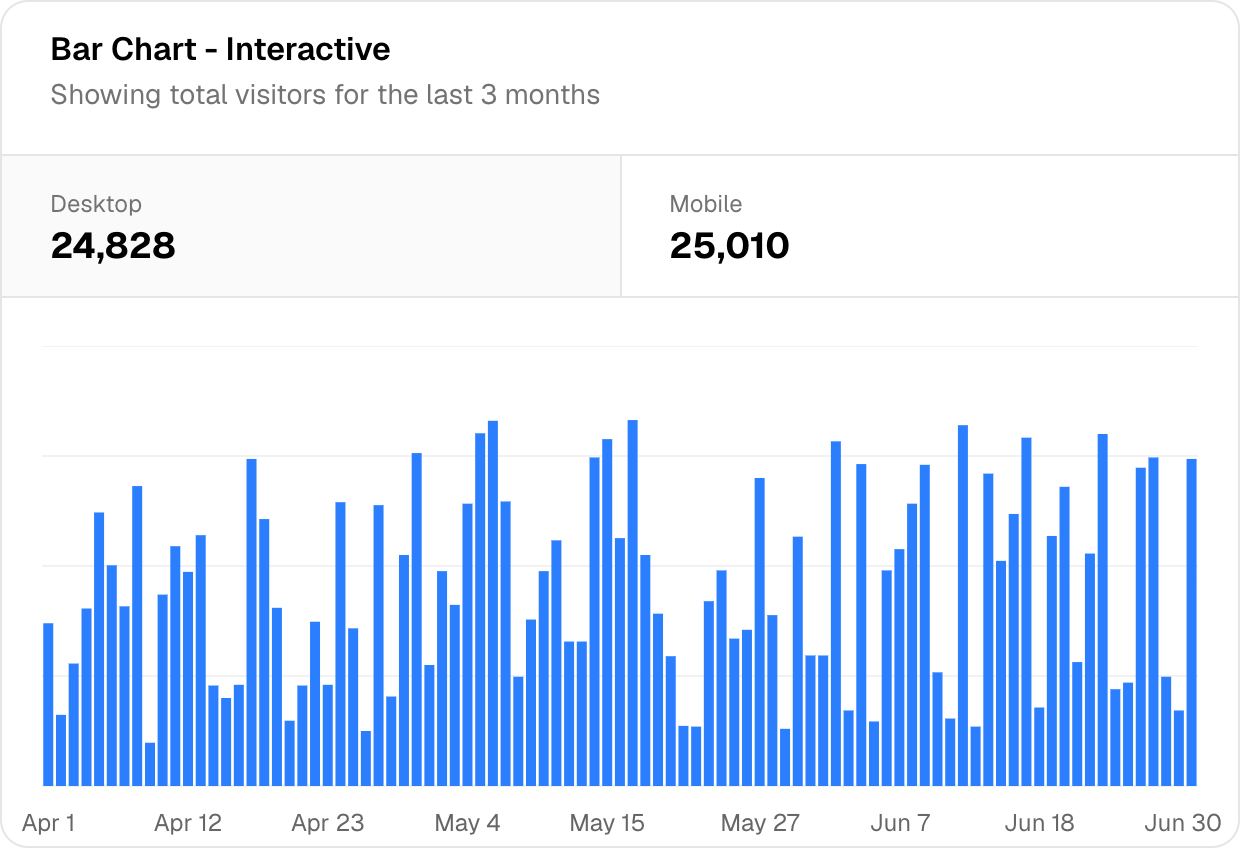
Grab a card, chart or section from any webpage, exactly as Chrome draws it. Add a background and frame, then share it in your next post, deck or portfolio.
Free to use. Your captures stay on your machine.
No watermark
No account needed
Original pixels, kept intact
A good capture deserves
a good setting.
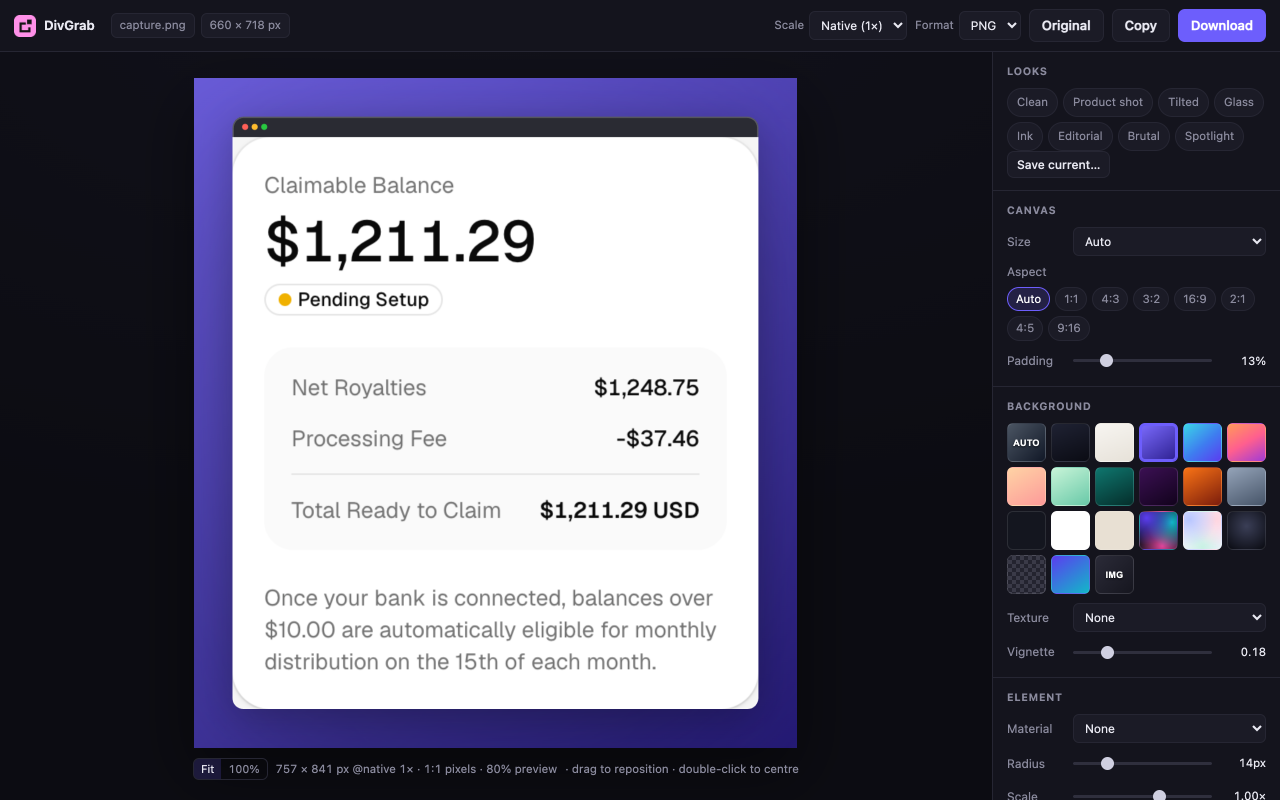
From webpage to finished image, in one extension. Adjust the background, padding, shadow and frame without opening a separate design tool.
From a page
to your next post.
- 1
Pick the part you want.
Hover a card, chart or table and select it. Use the arrow keys to find the right container, or capture a region or the whole page.
- 2
Make it yours.
Choose a background, add breathing room and set a shadow or frame. Save a look to keep your next set consistent.
- 3
Put it to work.
Copy to your clipboard or export PNG and JPG at native resolution or up to 3×. Keep the original PNG whenever you need it.
What Chrome draws,
DivGrab captures.
Web fonts, gradients, canvas and blurred backdrops are captured from the rendered page. Tall elements scroll and stitch automatically.
If a banner overlaps your element, it will appear in the image too. Dismiss it before capturing.
A few things
before you try it.
Does anything get uploaded?
Your screenshots stay in your browser. The extension keeps the ten most recent captures locally, then deletes the oldest. Removing the extension removes them. The contact form on our privacy page is processed through Netlify Forms.
What permissions does it need, and why?
Access to the tab you are capturing, granted at the moment you click the icon and only for that tab. It reads the pixels of that page so it can crop your element out of them. It does not run on pages you haven't asked it to capture.
Can it capture something inside an iframe?
Not yet. The picker runs in the top frame, so embedded documents — a YouTube player, a Stripe field — can't be selected individually. You can still grab a region over them.
What if the element is longer than my screen?
It scrolls and stitches automatically. Fixed elements are hidden and sticky ones unstuck during the capture, so a floating header doesn't get burned into every tile. A long table takes a few seconds because Chrome rate-limits screenshots.
Something is overlapping my element. Will that be in the shot?
Yes — the source is a photograph of the composited page, so a cookie banner sitting on top of your card is part of the picture. Dismiss it first. The same honesty is why fonts and effects come out right.
Which browsers?
Chrome, and any Chromium browser — Edge, Brave, Arc, Opera. Firefox and Safari would need different capture APIs and aren't planned for the first release.
Try it on the pages
you work with.
All current features are free. Tell us what worked, what broke and what you’d use next.
Get DivGrab for Chrome.
Install from the Chrome Web Store, then pin DivGrab to your browser toolbar to start capturing.
Add to ChromeFree to use. No account needed.